01
Shared context
Every format draws on the plan sections it needs, listed in the asset library above.
Collateral Studio
Create campaign, editorial, event, and sales assets without separating the copy from the strategy that shaped it.
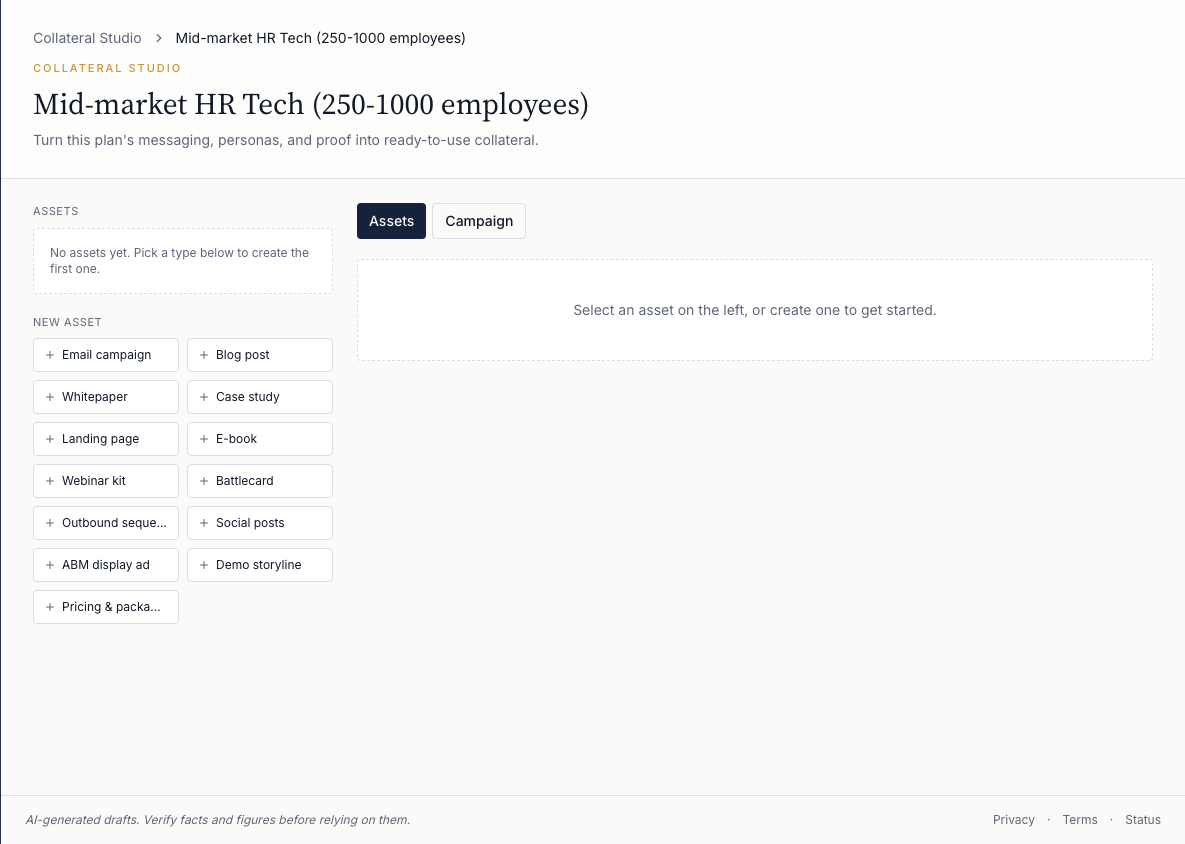 Tap to open the full screenshot
Asset library
Each format draws on the plan sections named under it, so the copy carries the same personas, messaging, and positioning.
A full 3-4 email campaign, targeted to the personas and their pain points.
A bare-bones HTML landing page with summaries, calls to action and other content based on your theme, ready to drop into your design template.
An outbound sequence with emails, social post content and phone call scripts, spread over 30 days.
Social posts in bulk: hooks, body text, hashtags and a call to action per social network, all based on your theme.
A primary and secondary tagline for animated display ads. Can be created per persona.
A blog post based on your quarterly and monthly theme.
An executive summary, titles and subtitles for 2-3 whitepapers based on your quarterly theme and/or personas.
An e-book to use as an enticement or gift, based on your quarterly theme.
Everything to prepare your webinar: an abstract with targeting and purpose, talking points, and invitation and follow-up email templates.
A generic case study with results from past projects, solution data, challenge and solution, a pull quote and a customer profile summary.
A battle card for the sales team: our advantages, competitive analysis and objection handling.
A talk track with the wow moment, persona pain reviews, demo themes, opening hook, closing ask and objection handling.
A pricing and packaging bundle summary by targeted buyer: bundle tiers, pricing FAQ, value metric and expansion path.
Campaign calendar
Campaign slots connect dates, channels, topics, and asset types so the schedule and the generated work stay together.
01
Every format draws on the plan sections it needs, listed in the asset library above.
02
The customer reviews the schedule and content before anything leaves Vertica.
Activation limit
Vertica creates draft campaigns for email and sequence assets, explicitly never sends them, and uses the customer's own connected API key.
Other publishing and connector paths remain planned, not available.
Request access
Registrations are invite-only. Request your demo instance and we'll set up a workspace for your firm.